Doxe: The Modern Template for Polished Business Presentations
In the world of business communication, the difference between a good idea and a funded idea often comes down to presentation. You might have the perfect data, the innovative strategy, or the creative vision, but if your slides look cluttered, outdated, or generic, your audience may disengage before you even get to the "ask." This is where the Presentation Template - Doxe enters the conversation. It is more than just a collection of slides; it is a comprehensive design system built for professionals who need to convey authority, clarity, and modern aesthetics without spending hours wrestling with formatting.
The Aesthetic and Personality of Doxe
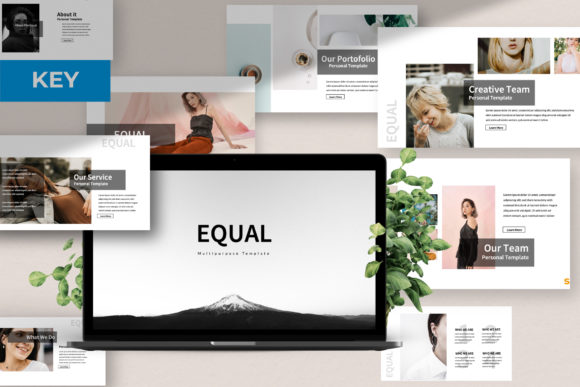
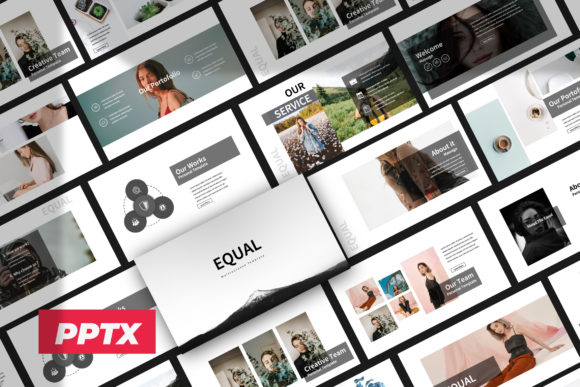
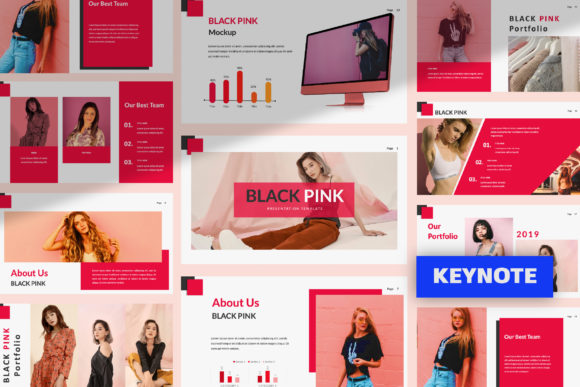
When you first open the Presentation Template - Doxe, the immediate impression is one of clean sophistication. It avoids the trap of "corporate boredom" by utilizing a modern typography approach that balances whitespace with bold, confident layouts. The visual personality of Doxe is best described as sharp, professional, and versatile. It doesn't rely on flashy gimmicks or dated gradients. Instead, it uses pixel-perfect illustrations and a structured grid system to create a sense of order and reliability.
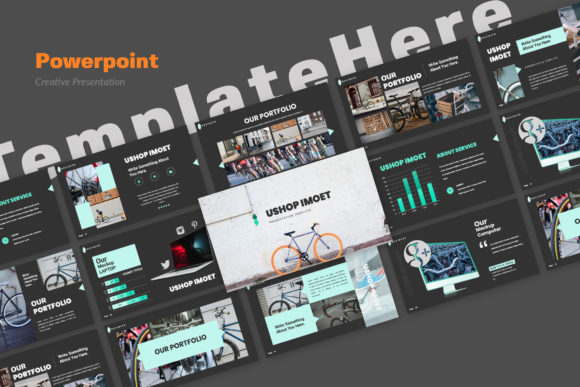
The style leans heavily into a minimalist aesthetic, but with enough visual interest to keep a room engaged. Whether you are using a dark mode slide for a dramatic product reveal or a light, airy layout for financial data, Doxe provides the canvas. It acts as a neutral yet stylish container for your content, ensuring that your brand identity shines through rather than being overshadowed by the template design. It is a premium font and layout experience packaged into a format that anyone with PowerPoint can use.
Practical Applications: From Pitch Decks to Portfolios
One of the standout features of this design asset is its sheer range of application. Because it includes over 35+ Slides for each Template, it is not a one-trick pony. If you are running a Creative Agency, you can use the portfolio slides to showcase high-resolution photography or mockups. The Picture Placeholder feature is particularly useful here; it allows for simple drag-and-drop functionality, meaning you can update the visual narrative of your deck in minutes.
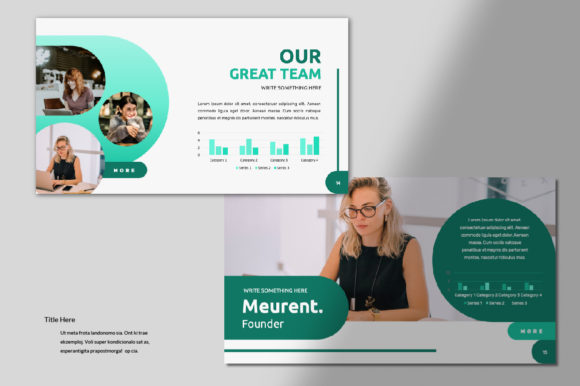
For Startups and Corporate environments, the handcrafted infographics are the real workhorses. Data visualization is notoriously difficult in PowerPoint, but Doxe solves this by providing pre-built, editable charts and graphs that maintain their visual hierarchy regardless of the data you input. This is vital for pitch decks where clarity can make or break an investment round. Furthermore, the template is versatile enough for Company Profiles, allowing you to present your history, team, and services in a cohesive narrative flow.
Design Mechanics and Typography
While the prompt highlights the template's structure, the choice of typeface is equally critical to its success. The template utilizes Roboto, a geometric sans-serif typeface that is a staple in modern typography. Why does this matter? As a sans serif font, Roboto offers high readability on both digital screens and projected presentations. It lacks the small "feet" of a serif font, which can sometimes blur at a distance or on lower-resolution projectors.
Roboto provides a mechanical skeleton and friendly curves, making it an excellent choice for web design and editorial design crossover. It supports a wide range of weights, allowing you to create a strong visual hierarchy—using bold for headers and light for body text—without needing to switch typeface families. This consistency is key to brand perception; it signals that your business is organized and detail-oriented.
Customization and File Inclusions
A template is only as good as its ability to be customized. Doxe is built Based on Master Slides, which is the professional standard for PowerPoint construction. This means that if you need to change a global color scheme or update a footer, you can do so in one place, and it will update across all 35+ slides. This feature alone saves hours of manual labor and ensures consistency throughout your presentation.
The package includes the PowerPoint .PPTX file and a Documentation File. The documentation is often overlooked, but for those less familiar with advanced PowerPoint features, it is a roadmap to unlocking the template's full potential. Additionally, the inclusion of Vector Icons means your graphics will remain sharp and crisp, even if you need to resize them for a specific layout. Unlike rasterized images, these vectors ensure your graphic design elements remain professional at any scale.
Imagery and Final Polish
Visuals drive engagement. Doxe acknowledges this by structuring its layouts to work with high-quality imagery from sources like Unsplash, Pixabay, and Pexels. While the images in the demo are for preview purposes only, the layout is optimized for these types of stock photography sites. The placeholders are sized to accommodate standard aspect ratios, making it easy to find and insert images that fit perfectly without awkward cropping.
For the entrepreneur or marketer, this means you can assemble a visually stunning deck quickly. You aren't just buying slides; you are buying a workflow. Whether you are preparing a business proposal, a quarterly review, or a personal portfolio, the structure of Doxe guides you toward a polished result. It bridges the gap between a rough idea and a professional presentation, ensuring that when you stand up to speak, your visuals do the heavy lifting for you.